

Tank automation — single & multi-tank
Fills each tank when it is low and stops when it is full — several tanks in turn with valve control, never from an empty sump.
How it works →Water Automation & Controls
APCON controllers start and stop your pumps on tank level, pressure, temperature or a timer, and cut the power the moment something goes wrong. It is all decided in the controller on your wall — so it keeps working without the internet.
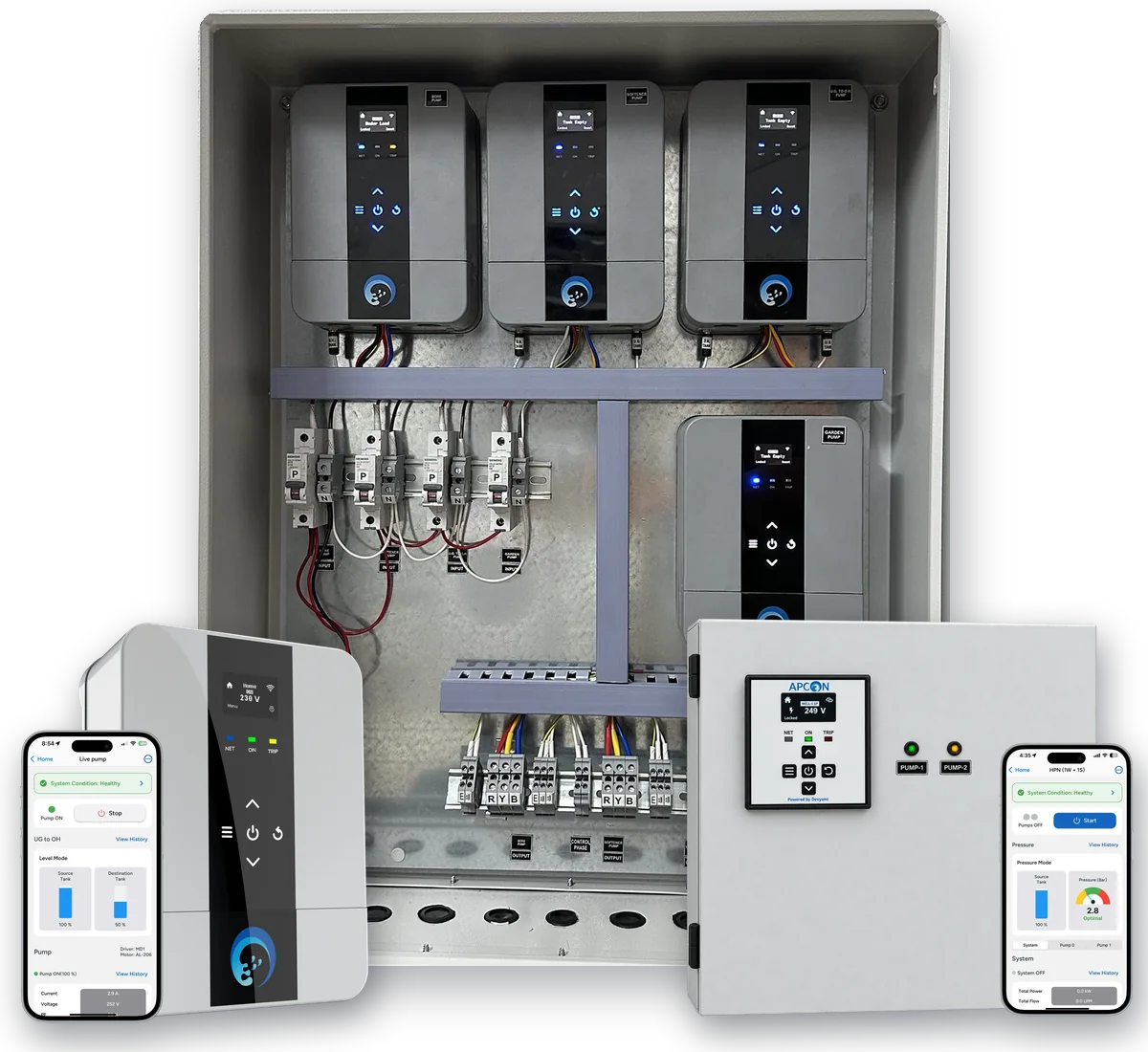
See it installed
From the sump to the overhead tank: where the sensors go, how every cable reaches one junction, what is inside the panel — and how the pump switches itself on and off.

Step 1 of 7
The system
Water arrives in the sump under the ground. One pump in the pump room lifts it to the overhead tank on the terrace, which feeds every tap by gravity.
Every system on this page is the same three steps, in one box.
STEP 1
Sensors read what matters — tank level, line pressure, water temperature, flow — and the controller keeps the time.
STEP 2
The controller applies the rules you set: start level, stop level, pressure setpoint, schedule. You set them once.
STEP 3
It starts and stops the pump — and cuts the power the moment the motor is in trouble: dry run, overload, a bad supply.
Each layer includes the one before it, and every APCON controller does all three.
Protect
The controller replaces your starter and arms nine protections — dry run, overload, voltage, phase and over-cycling — from the day it goes in.
You add · The controller, in place of the old starter panel
Automate
Give it a level or pressure sensor and the pump starts and stops on its own: tanks filled, pressure held, schedules kept.
You add · A float switch, conductivity probe, level transmitter or pressure sensor
Connect
Put the controller on Wi-Fi and the Devyami app shows it live — levels, start and stop, alerts, history and metering.
You add · Wi-Fi and the Devyami app
No internet in the loop. Unplug the router and the pump still starts at the right level, stops at the right level and is still protected — the app is the layer on top.
Automate a job
Pick the job. Each page shows the system working, the logic the controller follows, and how it goes into the pump room you already have.
Fills each tank when it is low and stops when it is full — several tanks in turn with valve control, never from an empty sump.
How it works →One steady pressure on every floor — held by a PID loop and a drive, not a pressure switch.
How it works →Hot at the tap in seconds, with the heat pump and the circulation loop run as one plan.
How it works →Connects the RO plant’s PLC — pumps, pressure switches, floats and quality readings — to alerts and the app.
How it works →A set volume, measured by the flow meter — then the pump or valve stops. Every batch the same, every batch logged.
How it works →Gardens, fountains and filtration that run to a schedule kept inside the controller.
How it works →Pumps & motors
Whatever the job, something has to switch the motor, keep it alive and share the work when there is more than one pump. These are built into every controller.
Two to six pumps share the work, stage in on demand and cover for each other on a fault.
How it works →What actually switches the motor — and how to choose the one your pump and supply need.
How it works →Dry run, overload, voltage, phase and over-cycling — caught before they burn a motor.
How it works →Nine protections, decided in the controller in milliseconds and logged with their cause.
Products
Controllers and level sensors, engineered by us. Every controller works on its own without the internet — and the same hardware runs the Smart Water IoT App.
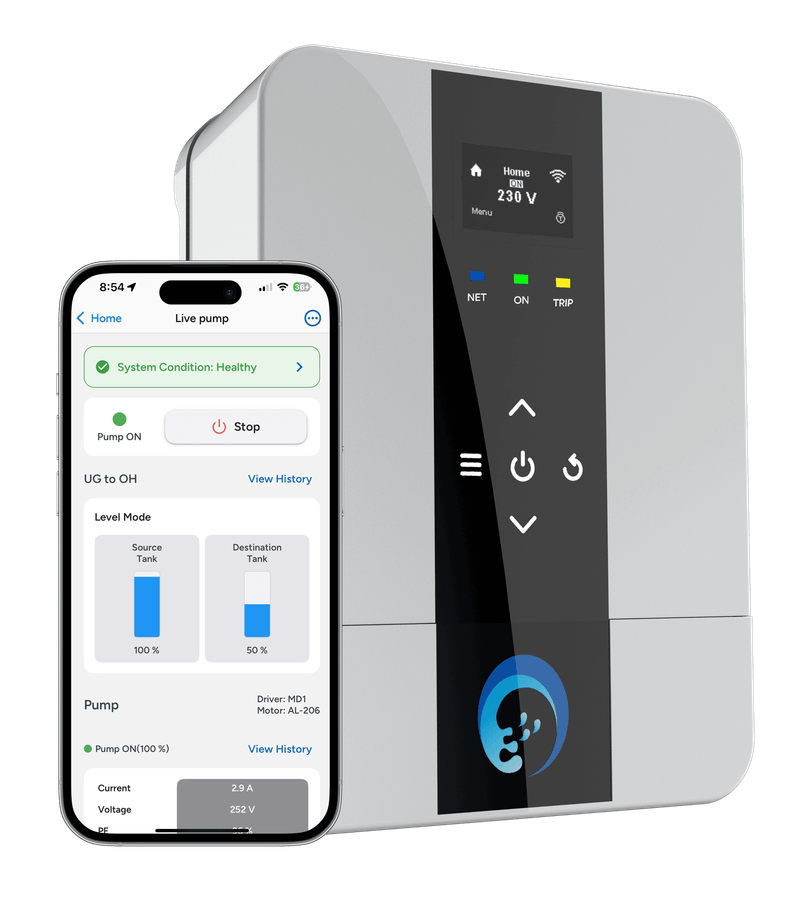
Starter, controller and motor protection for one pump — single or three phase.
View product →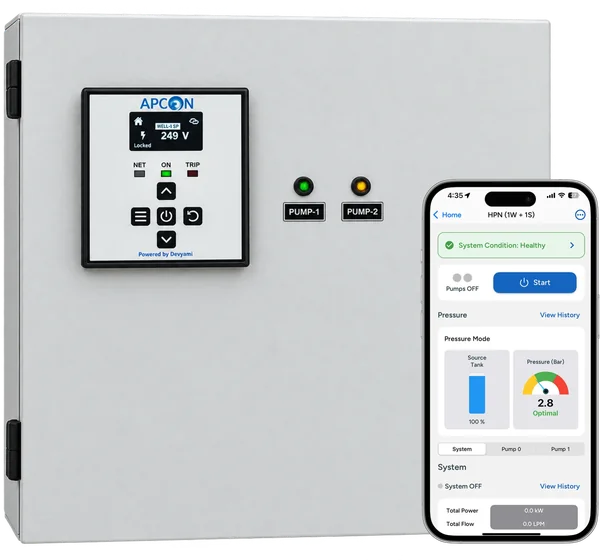
Two pumps from one controller — duty shared, each motor protected on its own.
View product →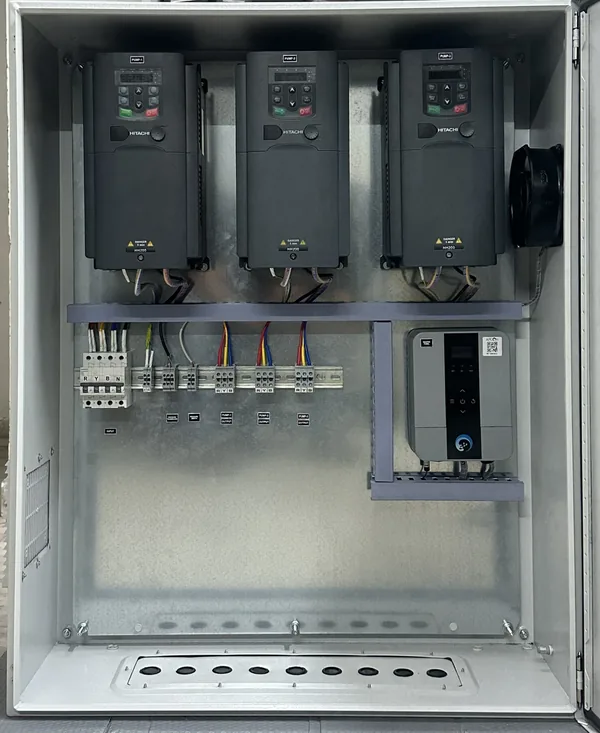
Up to six pumps — drives and direct-on-line — running as one system.
View product →Gardens and fountains on a schedule the controller keeps — through a power cut.
View product →Several tanks, one pump set — filled in order, never from an empty source.
View product →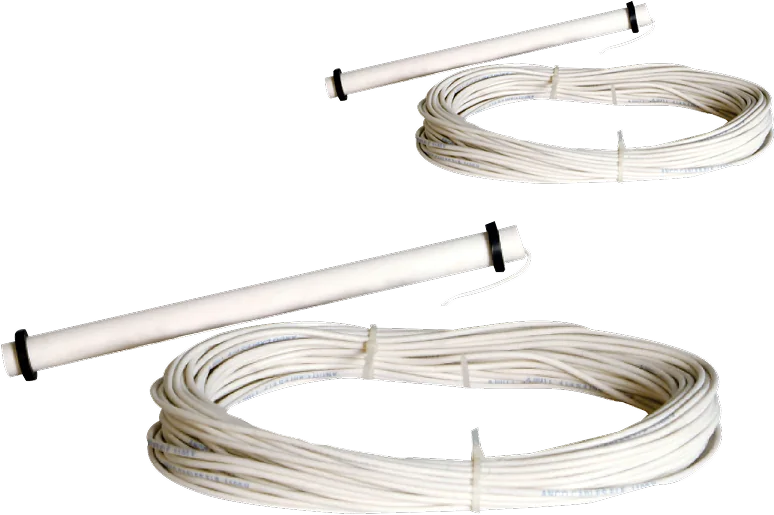
Stainless probes at the levels that matter — simple, wired and instant.
View product →
The simplest level sensor there is — a float that switches at a set level.
View product →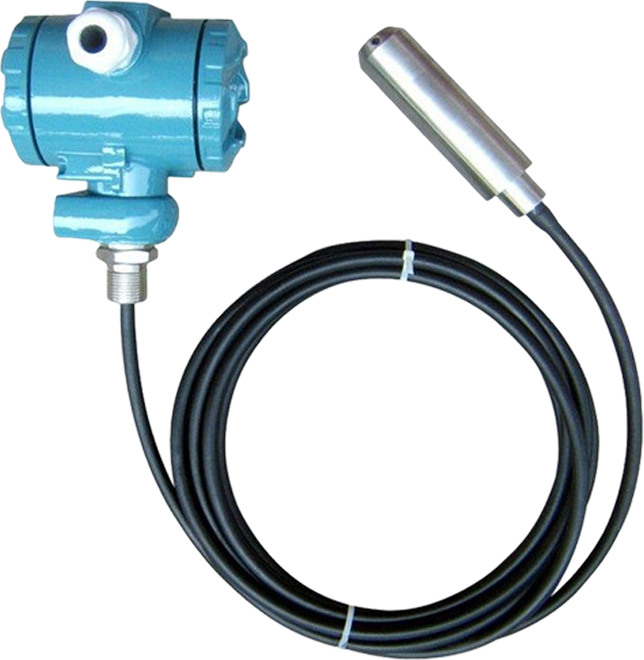
A hydrostatic probe on the tank floor — sees through foam, turbulence and depth.
View product →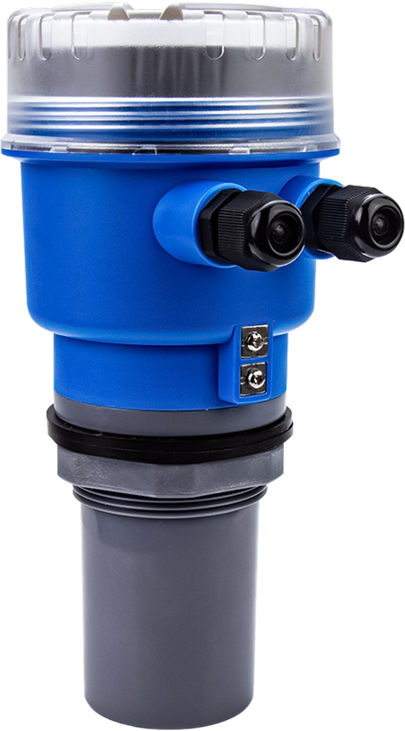
Reads the tank from the lid — it never touches the water.
View product →Automation or IoT?
Automation is what happens in the pump room. The app is what you see and do from anywhere. You can have automation without the app — the app adds eyes and a remote to it.
This page
Your pumps run themselves, safely.
The other layer
See it, control it and be told — from anywhere.
The same hardware. Every APCON controller runs the automation and connects over Wi-Fi to the Devyami app — so you can start with automation and switch the app on whenever you want it.
The controller is not added next to your panel — it takes that panel’s place on the wall, on the pumps, tanks, plumbing and wiring you already own. A single pump is a few hours; a full pump room is usually a day or two.
No. Automation runs inside the controller on your wall — it fills tanks, holds pressure and protects motors with or without the internet. Connect the same controller to the Devyami app when you want to see the system and act on it from anywhere: live levels, start and stop, alerts, history and metering.
Water automation decides when a pump should run and stops it when it should not. An APCON controller reads the tank levels, line pressure, temperature or the clock, applies the rules you set — start level, stop level, pressure setpoint, schedule — and switches the motor. Underneath, it protects the motor against dry run, overload, voltage and phase faults. All of it runs inside the controller on your wall, not in the cloud.
Yes, completely. Level switching, pressure control, schedules and every protection run inside the controller. The internet only carries the live view, the alerts and remote changes to your phone — it is never part of the decision to start a pump or to cut power to a motor in trouble.
One pump: the Motor Driver. Two pumps sharing the work: the Twin Motor Driver. Three to six pumps, or a pressure set with drives: the Multi Pump Controller. Several tanks filled by one pump set: the Multi Tank Level Controller. Garden zones and fountains: the Irrigation Controller. A heat pump water heater: the Heat Pump Controller. An RO plant: the RO Controller. Tell us what your pump room looks like and we will confirm it.
No. The APCON controller takes your existing starter panel’s place on the wall — it is the starter, the controller and the protection in one box — and your pumps, tanks, plumbing and wiring stay as they are. A single-pump retrofit is typically a few hours and a full pump room a day or two, with no civil work.
DOL for most pumps up to about 7.5 kW (10 HP). Star–delta for larger motors on light starting loads, or where the supplier caps direct-on-line starting. A VFD where demand varies or pressure has to be held — it starts within full-load current and removes water hammer at stop. The pump starters page compares the three on one chart.
No. Automation and protection are the product; monitoring is a layer on top. A controller with Wi-Fi never set up still switches, sequences and protects exactly the same. What the app adds is visibility — live readings, alerts the moment a protection trips, the event log and remote changes.
Send us the pumps, the tanks and the panel you already have — we pick the controllers, set the protections and hand it over commissioned.